免费 · 测试版支持
RabiDash BM Lite
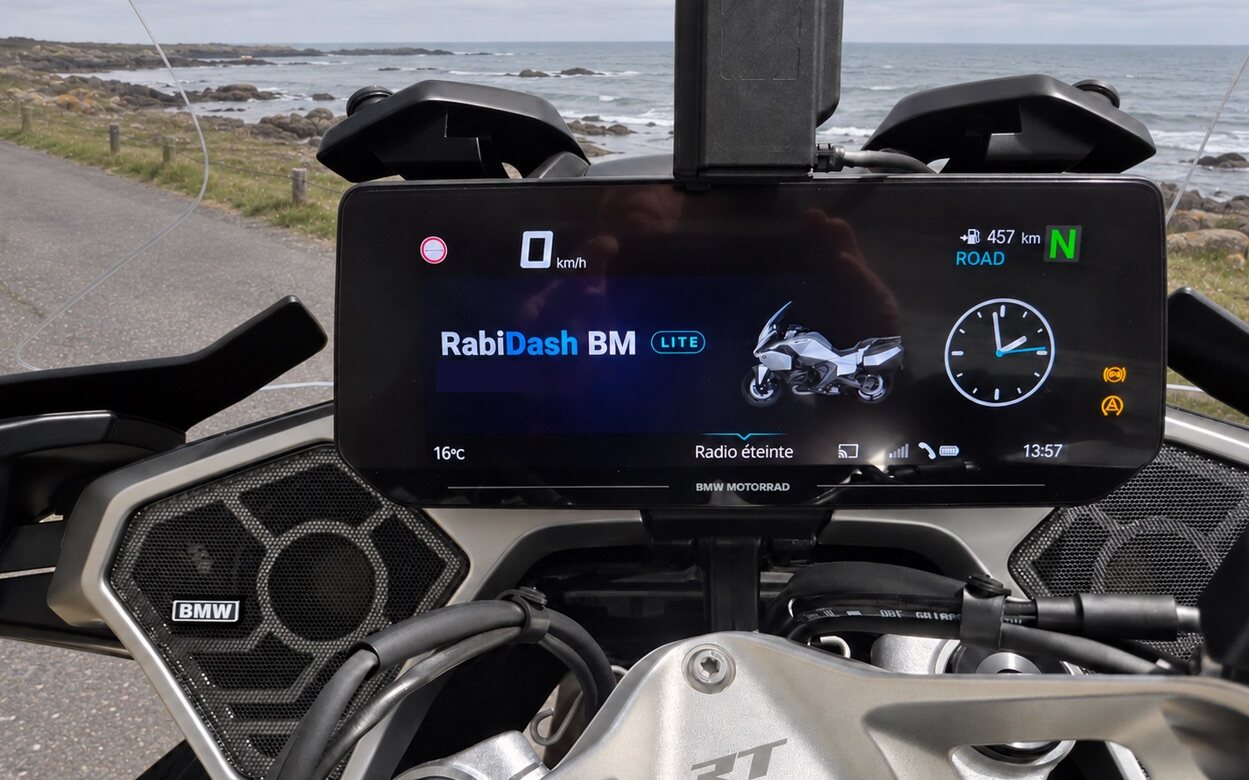
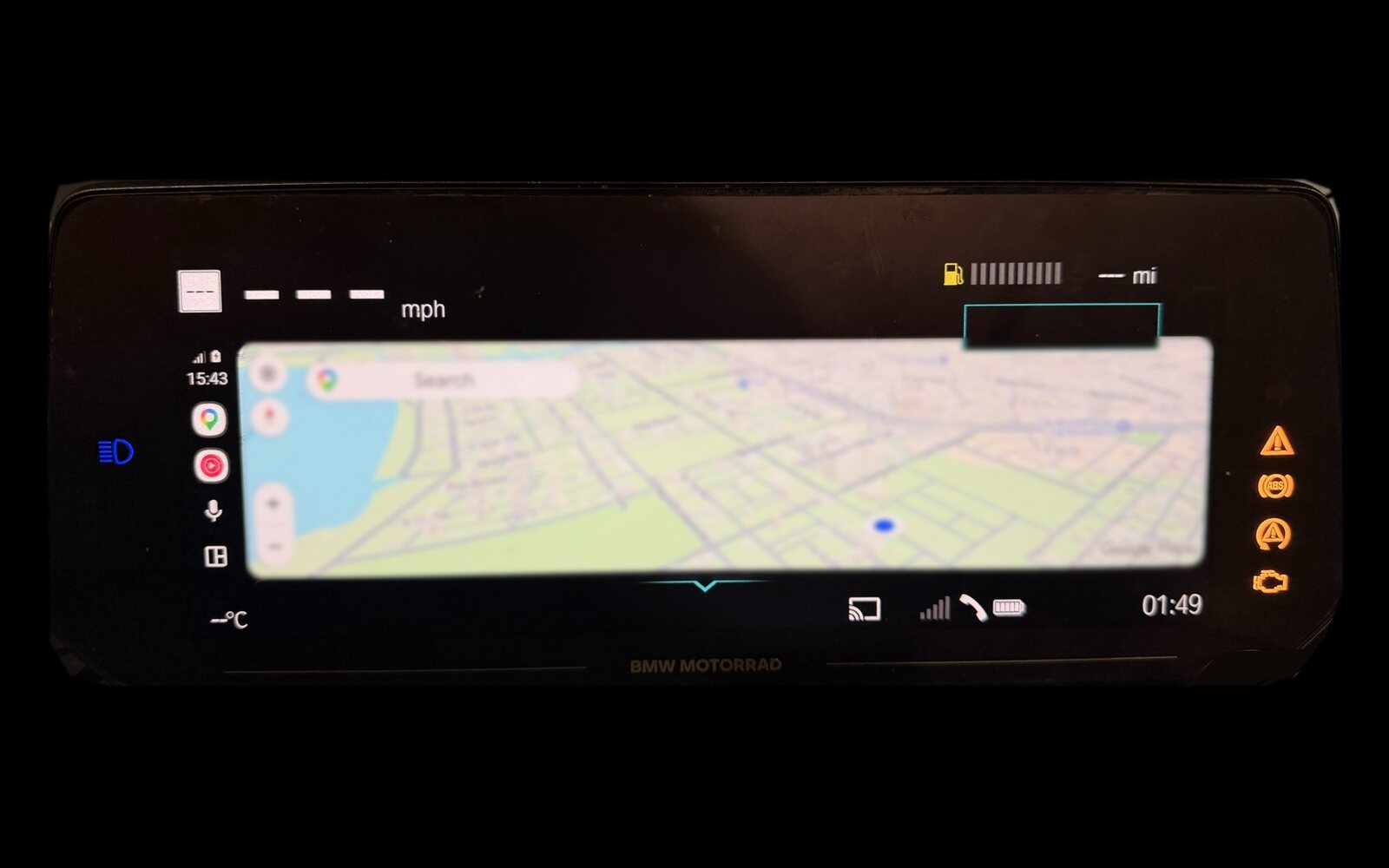
把 Android Auto 或手机上的应用,直接投到 BMW 原厂 10.25 英寸显示屏上。免费,只需要一台 Android 手机。
产品页面 ›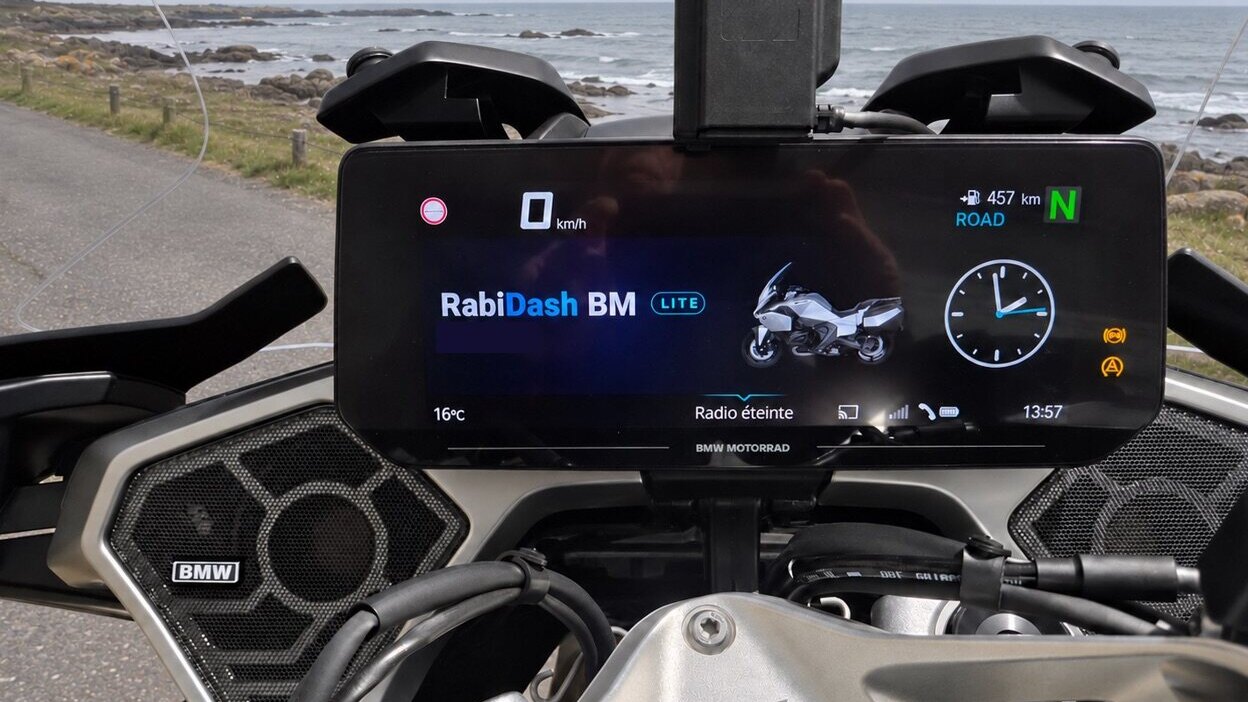 常见问题RabiDash BM Lite FAQ: common problems and how to fix themThe problems RabiDash BM Lite riders actually run into: the app can't find the display, the display doesn't accept the phone, the picture stops mid-ride, Android Auto isn't ready, the download fails, and how to fix each one.
按使用顺序排列的指南
 Getting started with RabiDash BM Lite: sign up, download and installRabiDash BM Lite is a free Android app that puts Android Auto, or an app from your phone, on the original 10.25-inch display of your BMW. The steps from creating an account to opening the app for the first time.6 个步骤
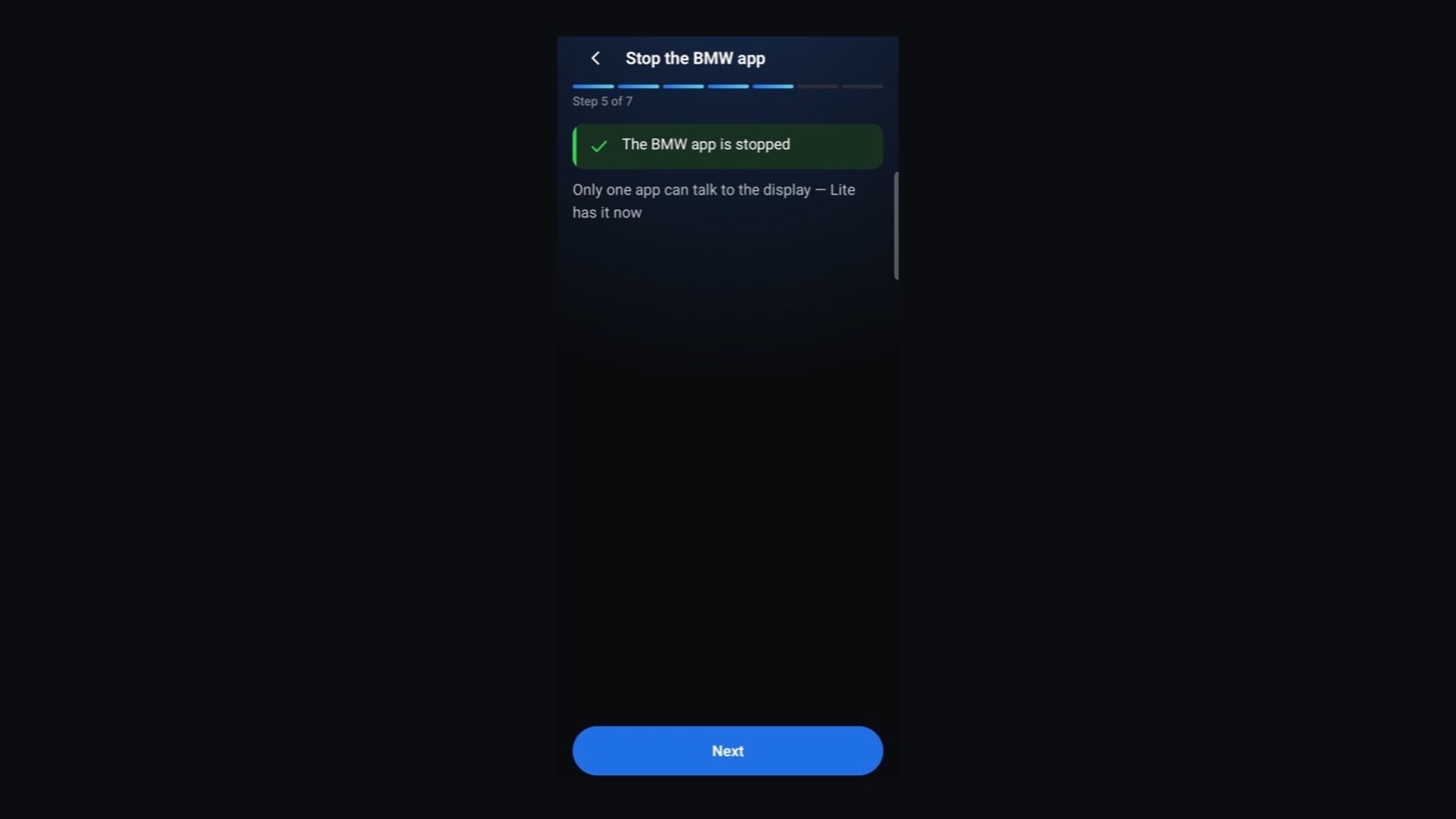
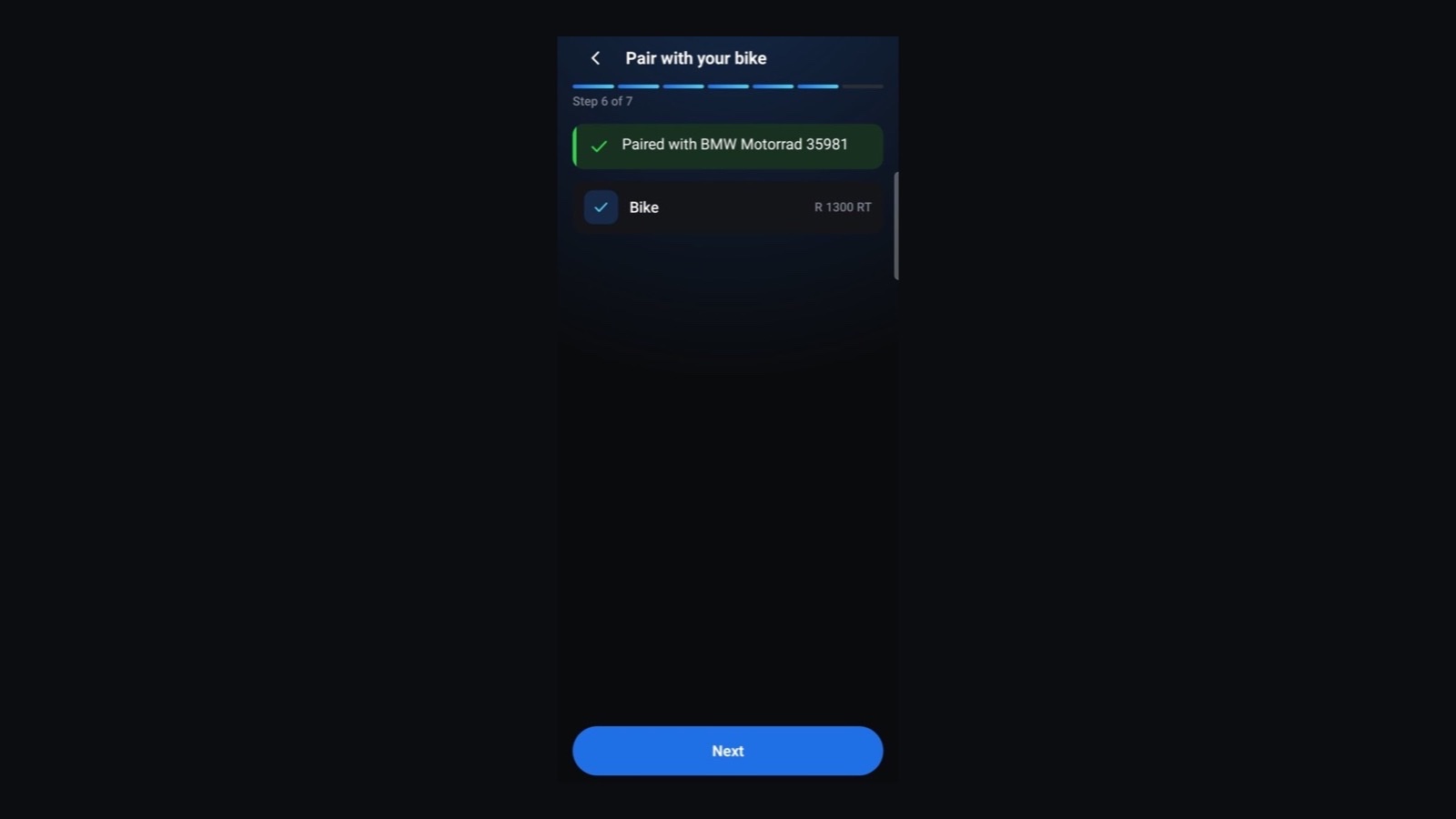 Connecting RabiDash BM Lite to your BMW display for the first timeAllow the permissions, stop the BMW app, pair with the bike over Bluetooth and set up Android Auto. Do it once with the bike parked; after that the app connects by itself each time you switch the ignition on.7 个步骤
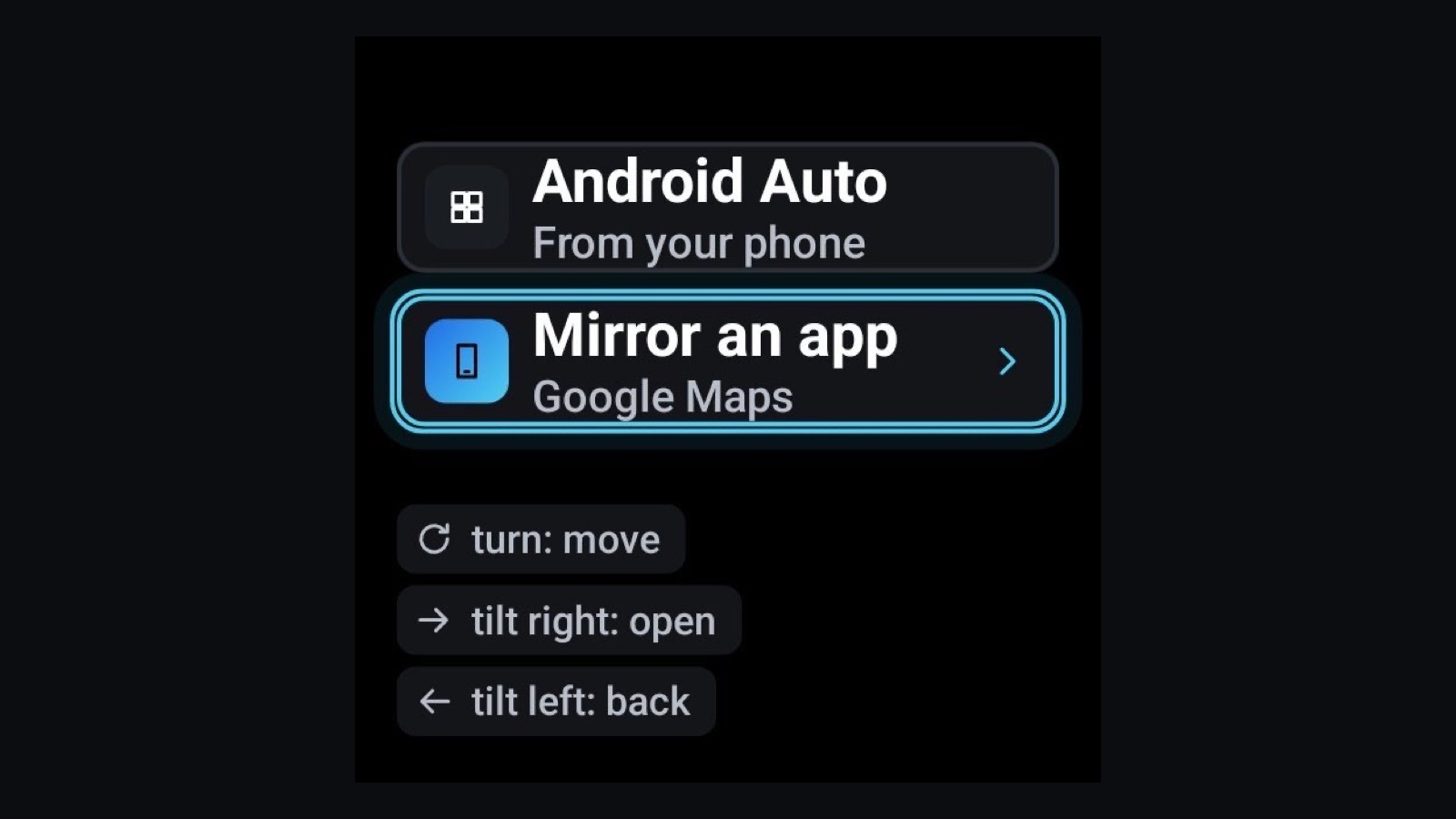
- Controlling RabiDash BM Lite with the handlebar wheelThe wheel on the left of a BMW's handlebar has three moves: turn, tilt right, tilt left. Each screen uses them its own way, and holding tilt left always opens the Lite menu.5 个步骤
- Pocket mode and bike info on RabiDash BM LitePocket mode keeps the mirrored app on the bike's display while the phone is in your pocket. Bike info puts fuel, distance and other numbers from your bike next to Android Auto. How to turn them on, and the limits of this beta.6 个步骤
- Updating RabiDash BM Lite to a new versionThe app tells you when a new version is out and updates from inside the app. Your account, paired bike and settings stay as they are.5 个步骤
- RabiDash BM Lite won't connect to the display: check in this orderHome says Connection lost, or the bike's display shows no picture. Check each step in turn, simplest first: the ignition, the BMW app, Bluetooth and Wi-Fi, pairing again.8 个步骤
还是不行?
请把你的摩托车型号和看到的错误发给我们。