Guide 5 sur 6 · 5 étapes
Updating RabiDash BM Lite to a new version
The app tells you when a new version is out and updates from inside the app. Your account, paired bike and settings stay as they are.
The app tells you about a new version
Each time it opens, the app asks rabiauto.com whether there is a new version. When there is, you get a notification that it's available, and a New version line on Home. Each version is announced once.
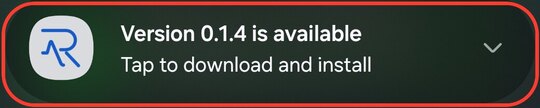
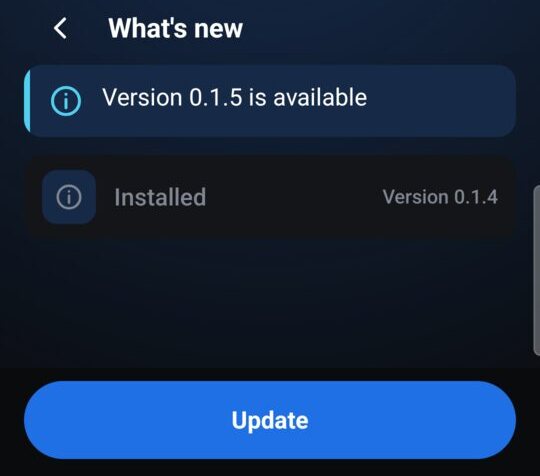
The new-version notification Tap Update
Tap the notification, or open What's new in the app, read the changes, then tap Update. The app downloads the file and checks it: the right app, newer than the one you have, the same signing key, and matching the checksum rabiauto.com publishes. A file that fails the check is not installed.
Allow the app to install updates (first time)
The first time you update, Android asks once: choose Open the setting, turn on Allow permission, then go back to the app. Android asks whether you want to update this app: choose Update. If Google Play Protect recommends a scan, scan the app, then install.
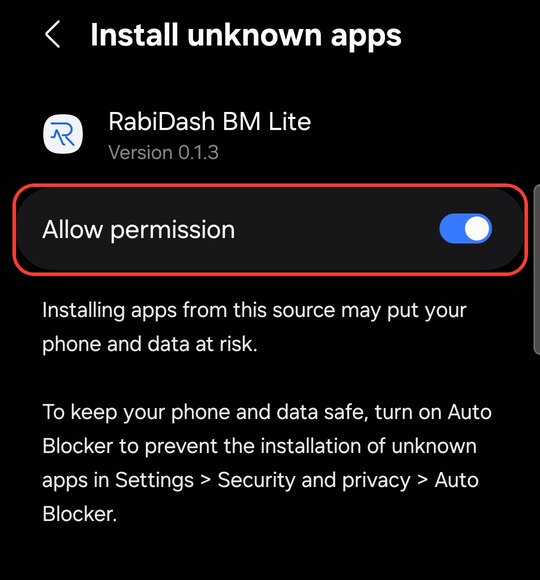
Turn on Allow permission 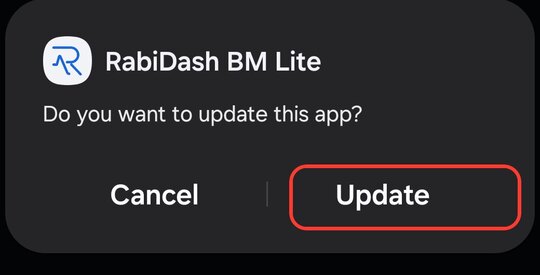
Android asks to update: tap Update 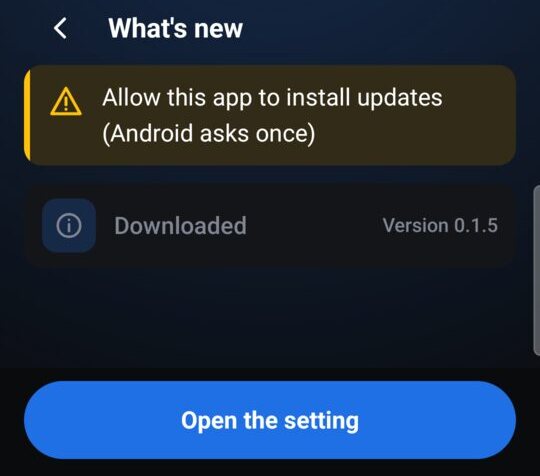
After the update
The app opens What's new once, with the changes grouped as New, Better and Fixed. The bike's display reconnects by itself. Your sign-in, paired bike and settings stay as they are.
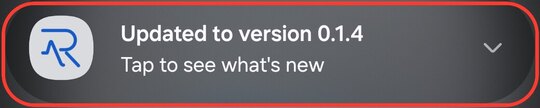
The updated notification 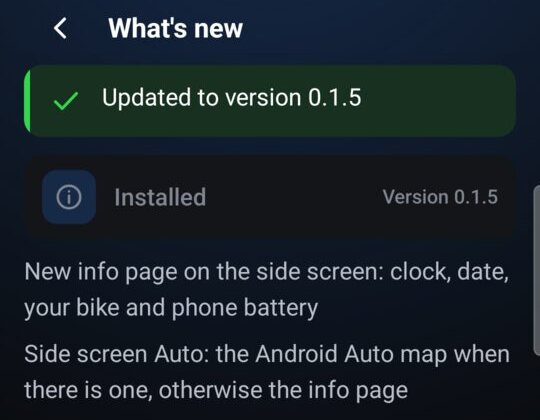
When the app says Update needed
If an older version is stopped, the app opens the Update needed screen. Tap Download the new version: rabiauto.com opens the Downloads page; sign in there and download the new version as you did the first time.
If the download fails, check your phone's connection and tap Update again.
The PDF user manual, in many languages, is on the Downloads page of your account, right under the app download button.