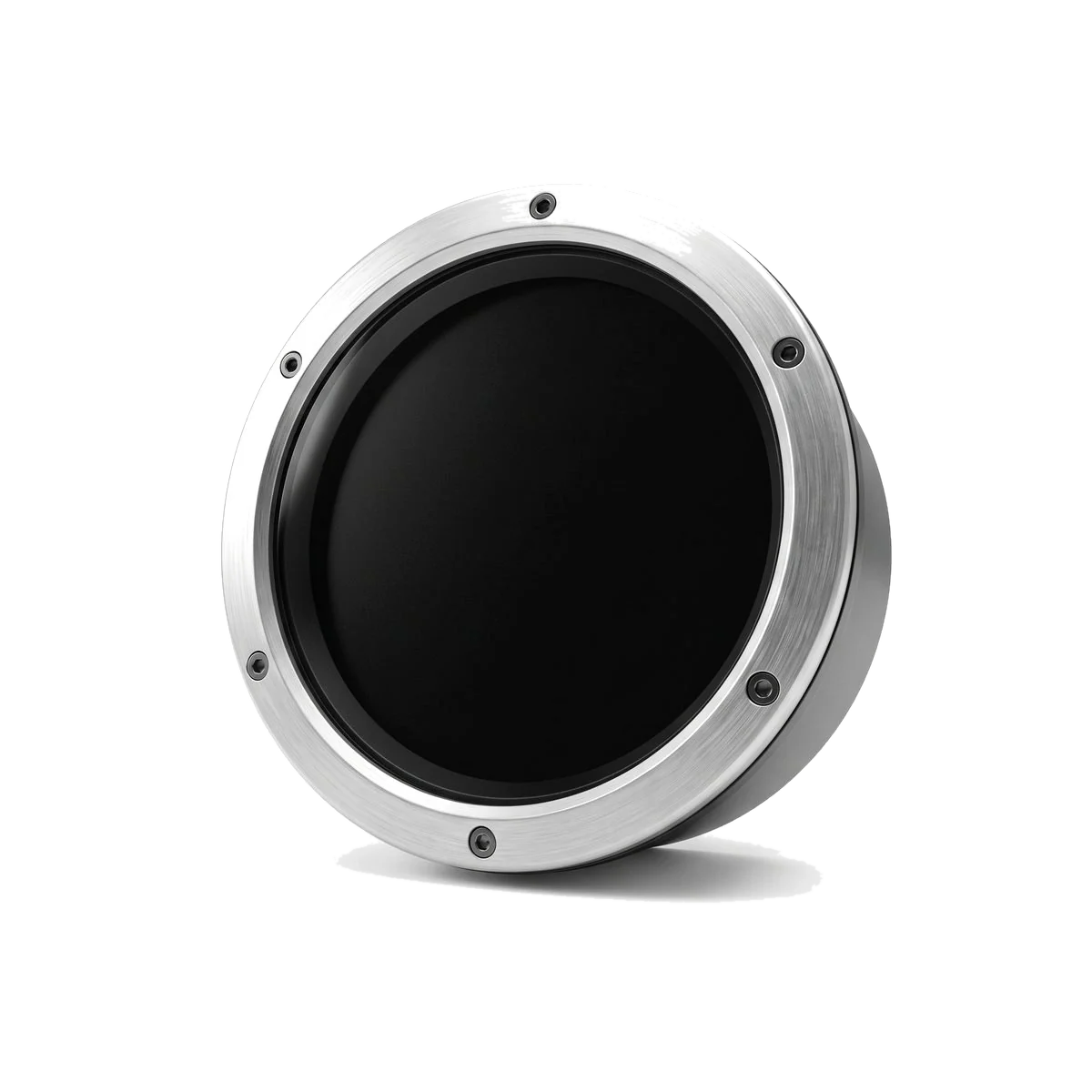
Free · Android phone · BMW 10.25-inch display
RabiDash BM Lite
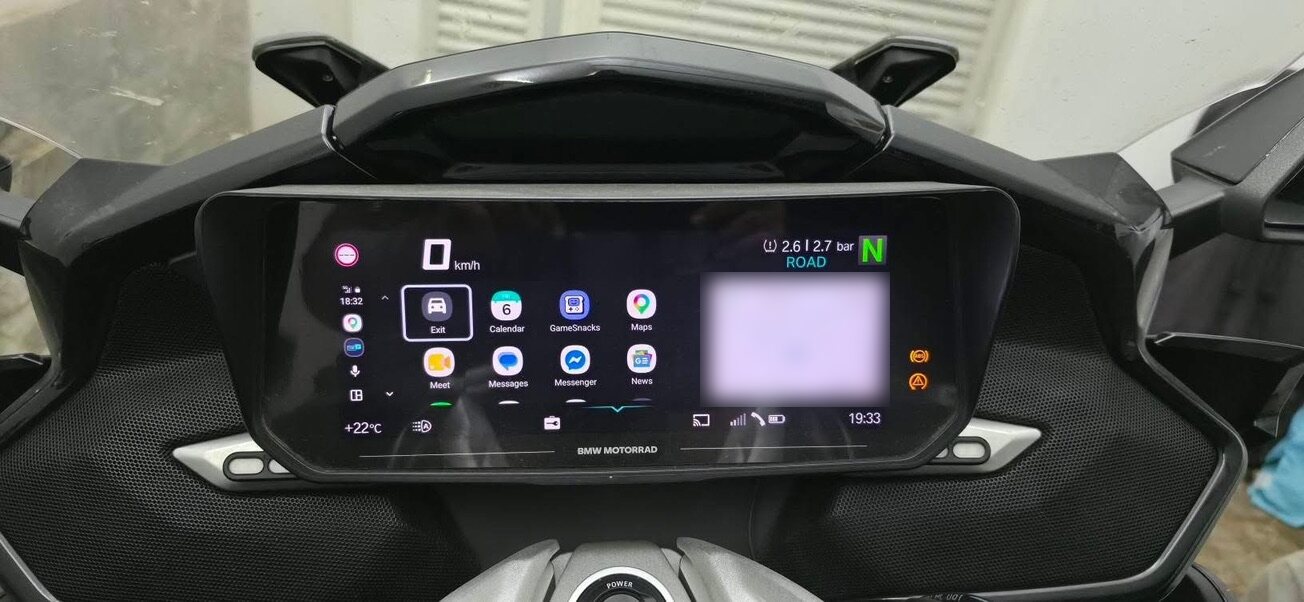
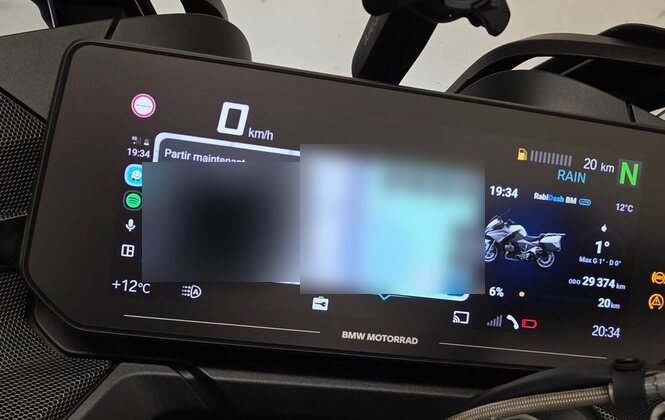
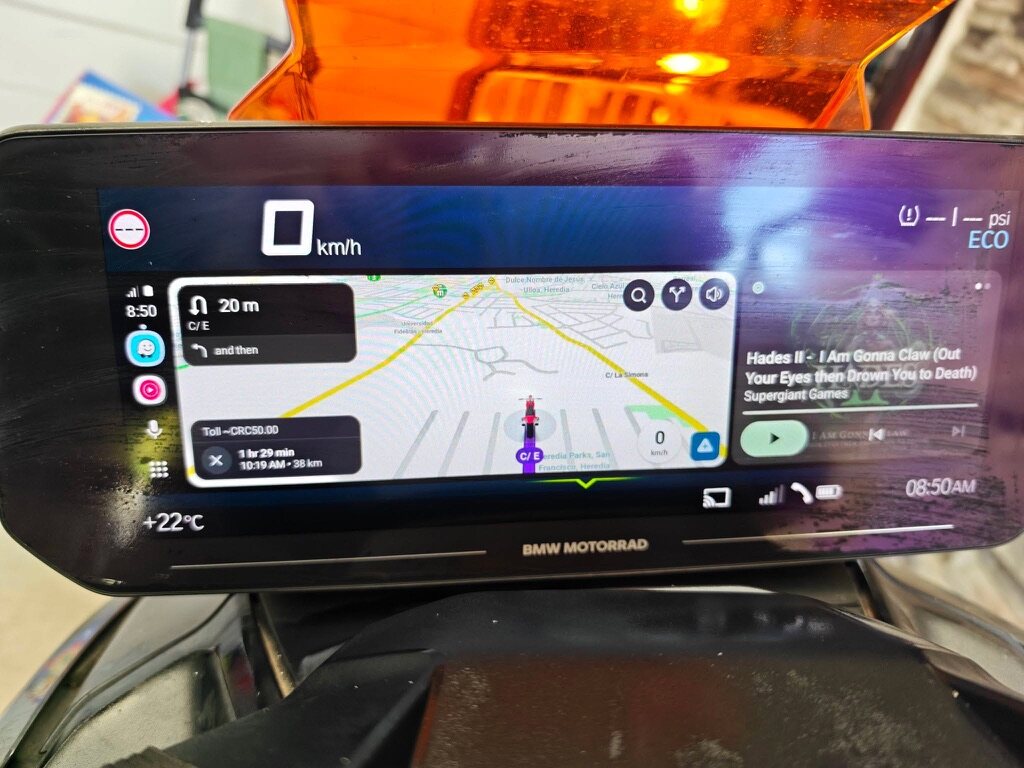
Android Auto or an app from your phone — right on your BMW's original 10.25-inch display. Free, all you need is an Android phone.
Guides & questions ›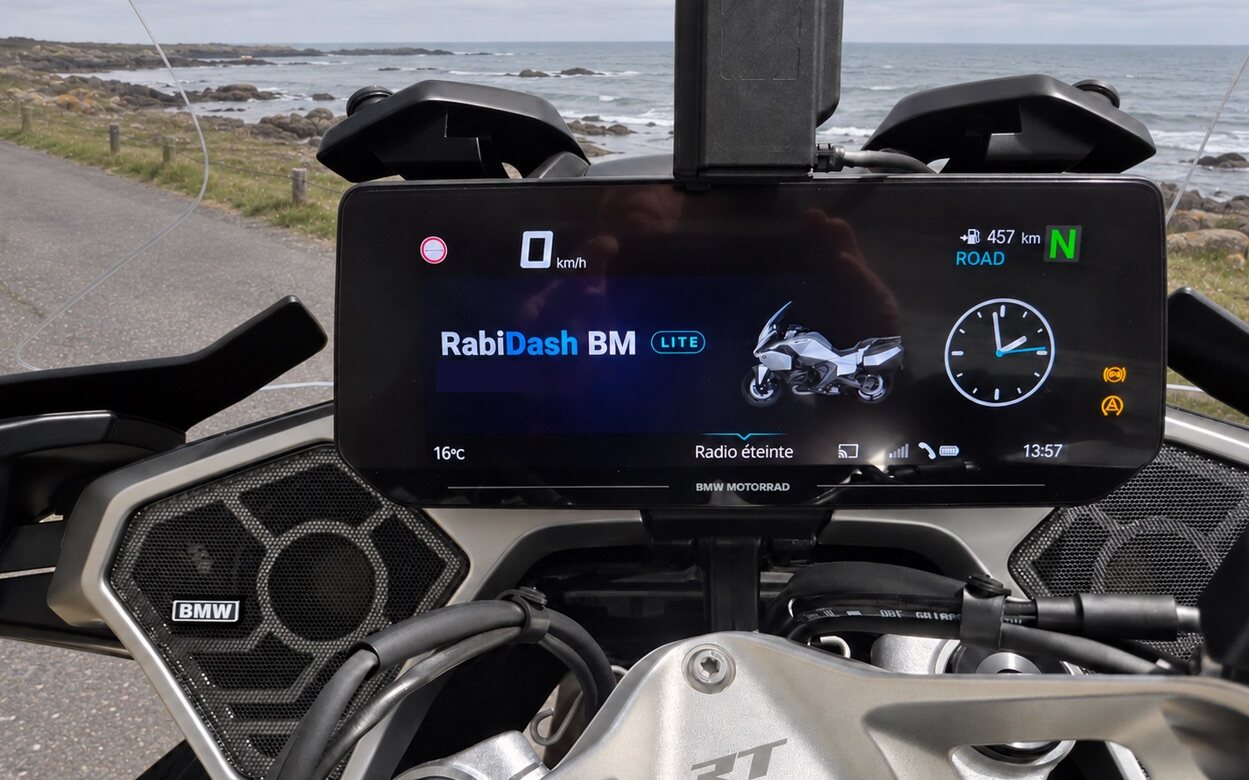
What you need
- Bike (requirement)
- A BMW Motorrad with the original 10.25-inch TFT display: R 1250 RT · R 1300 RT · K 1600 GT / GTL · K 1600 B / Grand America · R 18 Transcontinental · R 18 B · CE 04 · C 400 GT (2025).
- Phone (requirement)
- An Android phone with Bluetooth and Wi‑Fi.
- Android Auto (requirement)
- The Android Auto app on your phone, with Android Auto's developer mode turned on (not your phone's). Android Auto (Google) asks this of every screen that is not a car's — it is Android Auto's requirement, not Rabi Auto's. You turn it on once, inside the Android Auto app; RabiDash BM Lite walks you through it. Not using Android Auto? You can still mirror an app from your phone.
- Installation
- None. The app runs on your phone; nothing is fitted to the bike.
What it does
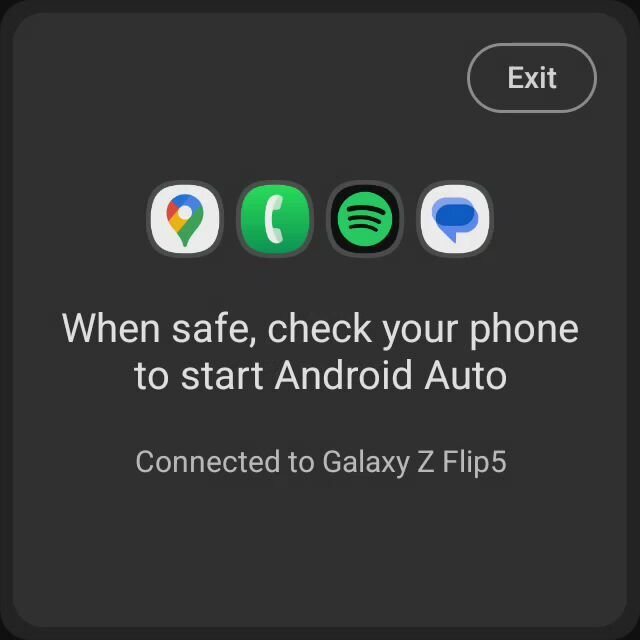
Android Auto
Maps, music and the Android Auto apps you already use, on the bike's screen.
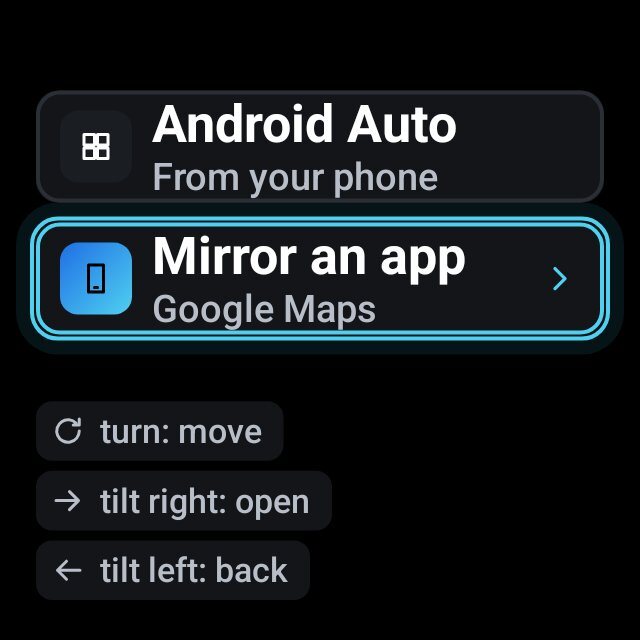
App projection
Put an app from your phone on the bike's screen when you need it.
Get the app in 3 steps
01
Create a Rabi account
With email or Google, in under a minute.
02
Sign up to use it free
Choose your bike and your phone.
03
Download the app
We email you; you download the app right in your account. Android asks to allow installing downloaded apps and warns that the app does not come from a store — choose Allow, Install anyway, then Scan app.
First connection
Once, with the bike parked. The app walks you through each step.
01
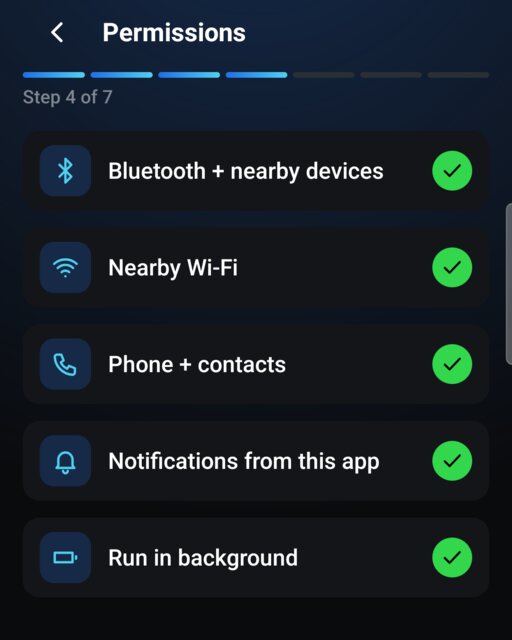
Grant permissions
Bluetooth and nearby devices, nearby Wi‑Fi, phone and contacts (caller name, answering calls), notifications, running in the background. Turn off battery optimisation for RabiDash BM Lite so the connection does not drop mid-ride.
02
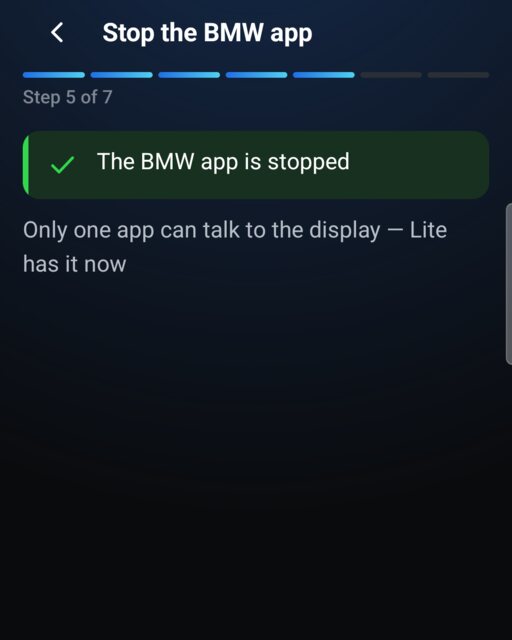
Stop the BMW Motorrad Connected app
Only one app can talk to the bike's display at a time. Force stop the BMW app before using RabiDash BM Lite.
03
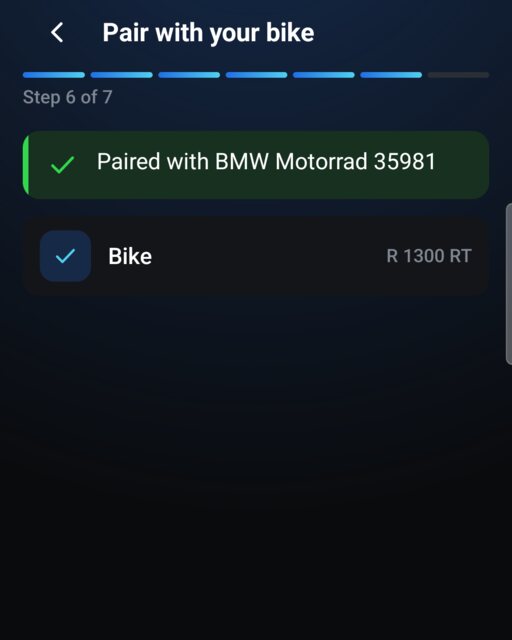
Pair with the bike over Bluetooth
Switch the ignition on. On the bike's display, open the phone menu and add a new phone; on your phone, pick BMW Motorrad in Bluetooth. Confirm when both show the same number.
04
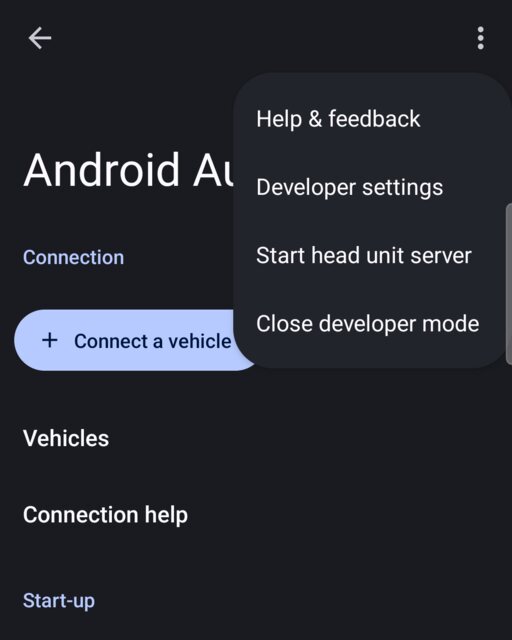
Turn on Android Auto for the bike's display
In the Android Auto app, tap Version about 10 times → OK to turn on Android Auto's developer mode (your phone's developer options are not needed), then open the ⋮ menu › Start head unit server. Run it again after every phone restart.
User manual (PDF)
Version 0.1.5 · 20 languages
Lite and RabiDash BM
| Item | Lite | RabiDash BM |
|---|---|---|
| Phone | Android | iPhone and Android |
| Runs on | Your phone | The bike's own cluster — Apple CarPlay and Android Auto |
| Display | 10.25 inch | 6.5 inch and 10.25 inch |
| Installation | None | 6.5-inch through the OBD port · 10.25-inch fitted device |
| Status | Free · Beta | In development, possibly launching in 2027 |
Questions and answers
Where do I get the app?
In your Rabi account on rabiauto.com, under Downloads, once you have signed up.
Why turn on Android Auto's developer settings?
That is how Android Auto allows a connection to a screen that is not a car's. You turn it on inside the Android Auto app; no other phone setting changes. It is Android Auto's requirement, not Rabi Auto's.
Which phones work?
Android phones.
Do calls and messages show on the bike's display?
Not in this beta yet. Calls, messages and song names on the bike's display come in a later update.
What if I use an iPhone?
RabiDash BM, the version that puts Apple CarPlay on your bike's screen, is in development. See RabiDash BM
Try it on your BMW
Free. All you need is an Android phone and a Rabi account.
Compatible with Apple CarPlay. CarPlay is a trademark of Apple Inc.