Kılavuz 3/6 · 5 adım
Controlling RabiDash BM Lite with the handlebar wheel
The wheel on the left of a BMW's handlebar has three moves: turn, tilt right, tilt left. Each screen uses them its own way, and holding tilt left always opens the Lite menu.
The wheel's three moves
The wheel turns up or down, tilts right and tilts left. It has no press. Each tilt can be short, or held.
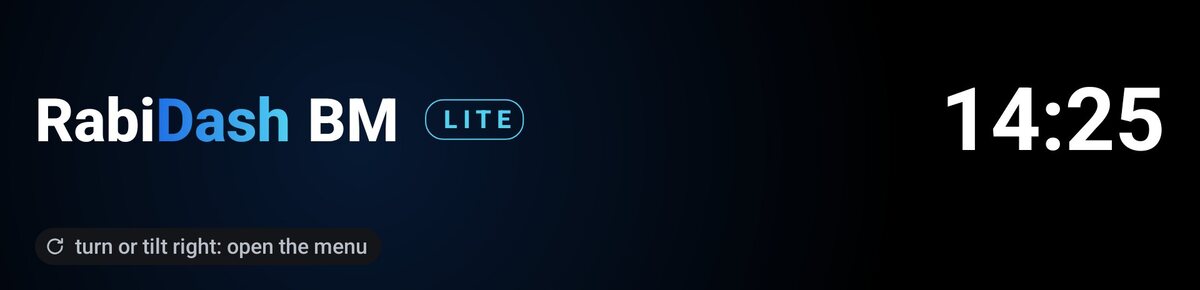
Open the Lite menu: hold tilt left
On any screen, hold tilt left until the Lite menu appears, about 3 seconds. This way out is always there and can't be changed, so you never get stuck on a screen. In the menu, turn to pick Android Auto, Mirror an app or Info; tilt right to choose; tilt left to close the menu.
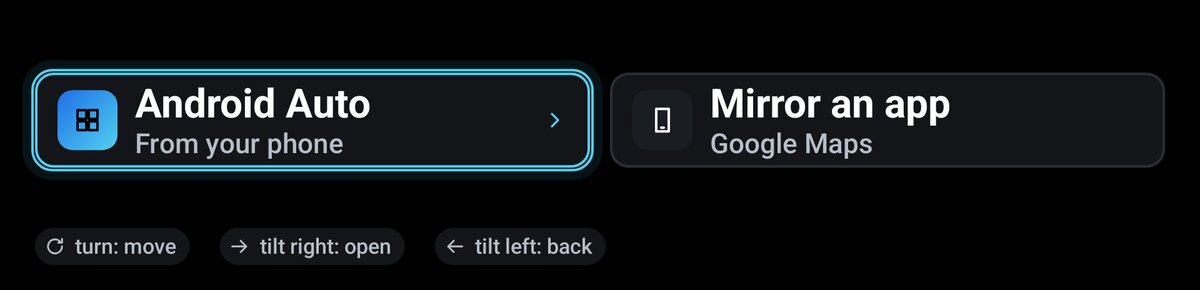
In Android Auto
Turn to move between items. Tilt right to open, tilt left to go back. Hold tilt right or tilt left to move right or left, for example on the map.
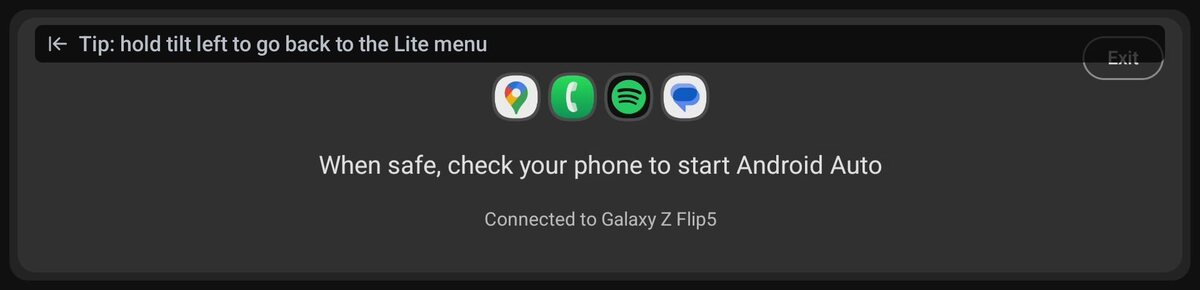
While mirroring an app
A mirrored app is your phone's touch app, so turning the wheel does nothing on it. Tilt left opens the Lite menu. Pick a destination or a song on your phone once the bike has stopped.
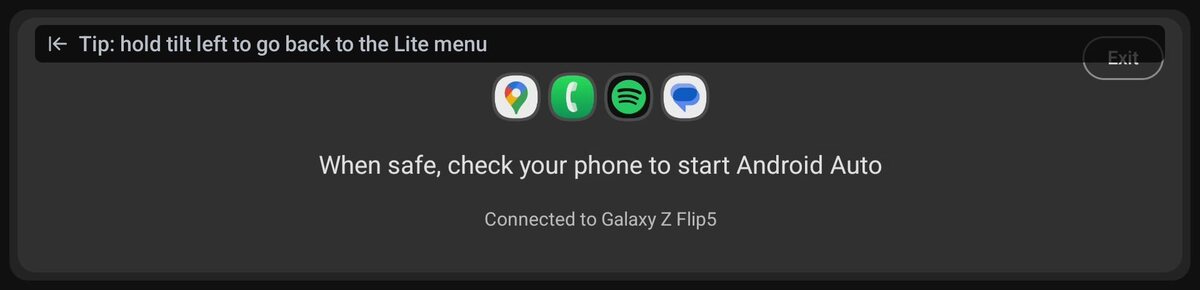
Change what a tilt does
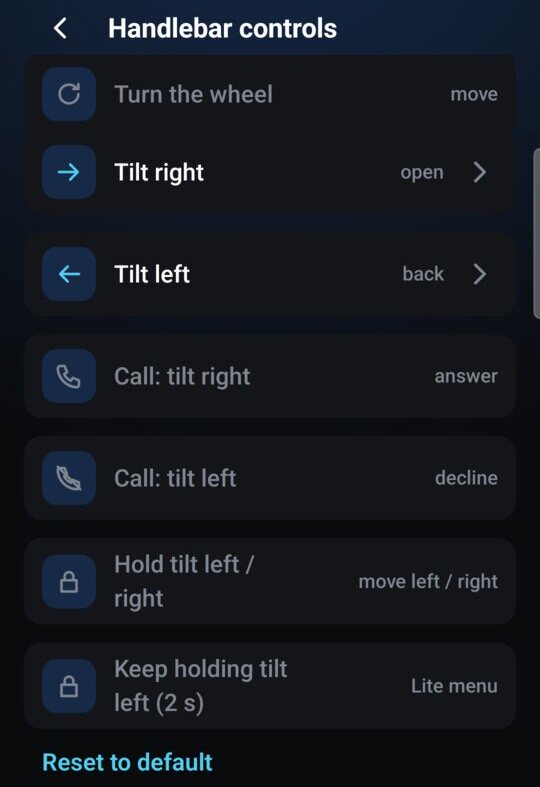
In the app, open Settings › Handlebar controls. For Android Auto, you can set a short tilt right and a short tilt left to open, back, or nothing. Tap Reset to default to go back to tilt right opens, tilt left goes back.
The RabiDash waiting screen (when nothing is shown yet) has the hints on the display: turn to move, tilt right to open, tilt left to go back, hold tilt left for the Lite menu.
Calls and messages on the bike's display come in an update. For now, music, calls and the mirrored app's sound play through the bike: connect your headset to the bike.
Connecting RabiDash BM Lite to your BMW display for the first time